DjVu Won't Open? How to Convert Scanned Books to PDF
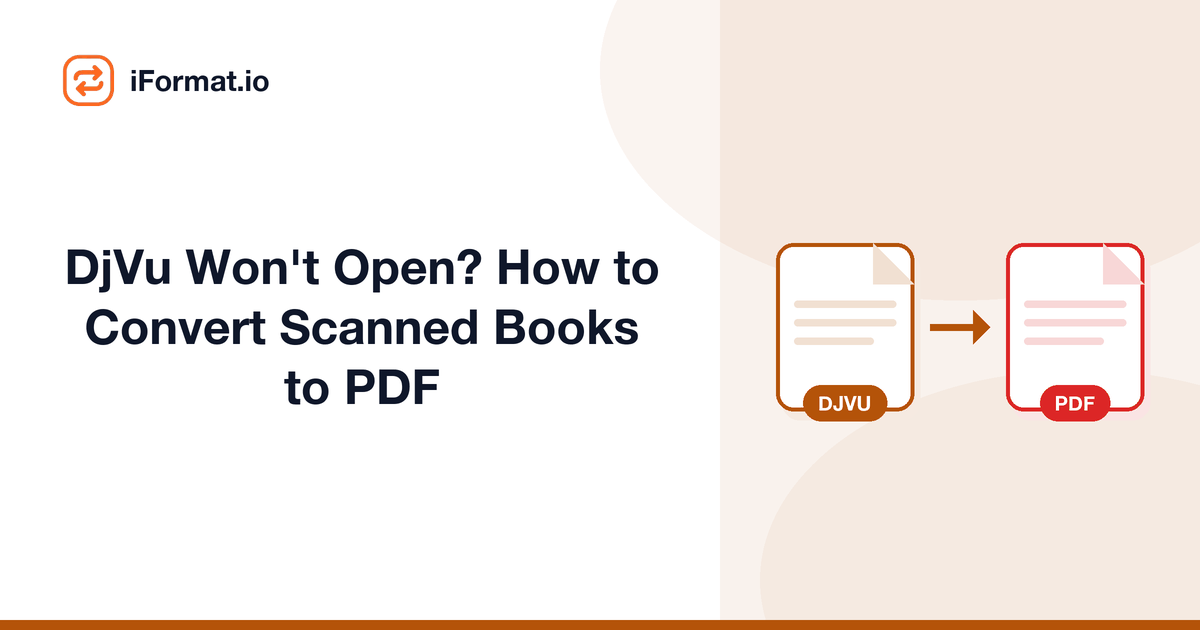
You found a paper you need, maybe on the Internet Archive, maybe from a university library's digital collection, and the download is a .djvu file. You double-click it and nothing happens. Your PDF reader doesn't recognize it. Your browser doesn't know what to do with it. Windows offers to search the Microsoft Store for an app, which is never helpful.
DjVu isn't broken. It's a legitimate document format that's been around since 1996. The problem is that virtually nothing opens it by default anymore. The fastest fix is to convert it to PDF and move on with your life.
What is the DjVu format and why does it exist?
DjVu (pronounced "deja vu") was developed by Yann LeCun and colleagues at AT&T Labs in 1996. It was designed specifically for scanned documents: the kind of thing PDFs handle poorly when they're just images of text.
The format uses a clever trick: it separates each scanned page into layers. The text layer (high-contrast, black and white) gets heavy compression. The background layer (photos, illustrations, paper texture) gets separate, more lossy compression. The result is dramatically smaller files than an equivalent scanned PDF. A 300-page scanned book that would be 150 MB as a PDF might be 15 MB as DjVu.
This made DjVu extremely popular in the early 2000s for digitized books and academic papers, especially in Eastern European and Russian-language digital libraries where bandwidth was expensive and collections were large. The Internet Archive used DjVu extensively for its book scanning project. Many university libraries still serve documents in DjVu format because migrating millions of files isn't trivial.
Why DjVu files won't open on modern computers
The format lost the war. PDF won, partly because Adobe pushed it hard, partly because PDF became an ISO standard (ISO 32000), and partly because bandwidth got cheap enough that DjVu's compression advantage stopped mattering.
Here's what can and can't open DjVu natively:
| Platform | Native DjVu Support |
|---|---|
| Windows | No, requires third-party viewer |
| macOS | No, Preview doesn't support it |
| iOS | No built-in support |
| Android | No built-in support |
| Linux | Yes, most distros include Evince or Okular, which handle DjVu |
| Web browsers | No, Chrome, Firefox, Safari, Edge all lack DjVu support |
Linux is the exception because the open-source community maintained DjVu support through libraries like DjVuLibre. Everyone else dropped it. If you're on Windows or Mac and need to read a DjVu file, you have two options: install a dedicated viewer, or convert to PDF.
Where you'll encounter DjVu files
The most common sources are: the Internet Archive (archive.org), which offers DjVu as a download option for many scanned books; Russian digital libraries like Lib.ru and older academic repositories; European national libraries that digitized collections in the 2000s; and academic paper archives from the pre-PDF-dominance era. If you work with historical documents or older academic literature, you'll hit DjVu sooner or later.
How to convert DjVu to PDF online
The simplest approach: upload the DjVu file to a document converter, select PDF as the output format, and download the result. The conversion preserves the page layout and any embedded text layer (which means the converted PDF is still searchable if the original DjVu had OCR text).
A few things to know about the conversion:
File size will increase. Remember, DjVu's entire purpose was smaller files than PDF. When you convert to PDF, you're going from a more compressed format to a less compressed one. A 10 MB DjVu might become a 40–80 MB PDF depending on the number of pages and image quality. If the resulting PDF is too large for your needs (email attachment limits, for example), run it through a PDF compressor after conversion.
The text layer carries over. Good DjVu files include an invisible text layer from OCR (optical character recognition). This layer lets you search and select text even though the visible content is a scanned image. Quality converters preserve this layer in the output PDF, so your converted file remains searchable.
Image quality depends on your settings. DjVu's layered compression means the text is stored at high resolution while backgrounds are stored at lower resolution. The conversion process recombines these into a single image per page. Higher quality settings produce better-looking PDFs but larger files.
Converting DjVu files on desktop
If you need to batch-convert many DjVu files, or you're working offline, desktop tools are an option.
DjVuLibre (free, open source) is the reference implementation. It includes ddjvu, a command-line tool that converts DjVu to PDF, TIFF, or individual images. On Linux, install it from your package manager (apt install djvulibre-bin). On macOS, Homebrew has it (brew install djvulibre). On Windows, download from the DjVuLibre project page.
The basic conversion command:
ddjvu -format=pdf -quality=85 input.djvu output.pdf
The -quality flag controls JPEG compression of the image content. 85 is a good balance between file size and visual quality. Go higher (90–95) for documents where you need to read fine print. Go lower (60–70) if you just need to skim content and want smaller files.
Calibre (free, open source) is primarily an ebook manager, but it includes format conversion. It handles DjVu-to-PDF along with dozens of other ebook format conversions. If you already use Calibre for ebooks, it's a convenient option without installing another tool.
What about converting DjVu to other formats?
PDF is the most common target, but there are situations where you'd want something else:
DjVu to EPUBuseful if you want to read the book on an e-reader. This only works well if the DjVu has a good OCR text layer. Without text extraction, you'd just get page images crammed into an EPUB container, which defeats the purpose.
DjVu to TIFF/PNGuseful for extracting individual pages as images. Some people do this to clean up scanned pages in an image editor before re-assembling them into a PDF.
DjVu to DOCXonly practical if the DjVu has high-quality OCR. The conversion extracts the text and tries to recreate the layout in Word. Results vary wildly depending on the complexity of the original layout.
For most people, DjVu to PDF is the right path. PDF is universally supported, maintains the original page layout faithfully, and the resulting file works on every device and operating system. For more on working with PDF files after conversion, see our guides on compressing PDFs without losing quality and merging PDFs if you need to combine multiple converted chapters into one document.
DjVu vs. PDF: a direct comparison
Understanding the trade-offs helps decide when to convert and when to keep the original:
| Feature | DjVu | |
|---|---|---|
| File size (scanned book) | 5–15 MB | 50–150 MB |
| Native OS support | Linux only | All platforms |
| Browser viewing | No | Built-in |
| Text searchability | Yes (with OCR layer) | Yes (with OCR layer) |
| Annotation tools | Very limited | Extensive |
| ISO standard | No | Yes (ISO 32000) |
| Active development | Minimal | Ongoing |
| E-reader support | Almost none | Universal |
DjVu wins on file size for scanned content, and that's about it. For every other practical consideration, compatibility, annotation, sharing, printing, PDF is the better format. That's why the standard advice is: convert to PDF for daily use, keep the DjVu as a space-efficient archive copy.
Should you keep the original DjVu file?
Yes, if you have the storage space. The DjVu file is typically much smaller and retains the original layered structure. If the source ever goes offline, which happens with academic archives and older digital libraries, you'll still have the original. The PDF conversion is for daily use; the DjVu original is your archive copy.
This is especially true for rare documents. Some DjVu files on the Internet Archive are scans of books with limited print runs. If the archive changes its hosting or the book isn't available elsewhere, your local copy might be one of very few that exist digitally.
Frequently asked questions
Is DjVu a dead format?
Not dead, but niche. No major operating system or browser supports it natively (except Linux via DjVuLibre). New documents aren't created in DjVu anymore, but millions of existing files still circulate in academic and library archives. The format will persist as long as those archives exist.
Will I lose quality converting DjVu to PDF?
There's minimal quality loss in the conversion itself: the image data is re-encoded, not regenerated. At quality settings of 85 or higher, the difference is imperceptible for reading purposes. The text layer, if present, carries over intact.
Can I convert a DjVu file on my phone?
Yes. Use an online converter from your phone's browser. Upload the DjVu file from your Downloads folder or cloud storage, and download the resulting PDF. No app installation needed.
Why are DjVu files so much smaller than PDFs?
DjVu separates each page into layers, foreground text (compressed with a bi-level codec at high resolution) and background images (compressed separately at lower resolution). PDF stores everything as a single flat image or a simpler object model. The layered approach is more efficient for scanned documents, sometimes by a factor of 5-10x.
I found a DjVu file but it has no text layer, can I add OCR?
Not directly during DjVu-to-PDF conversion. Convert to PDF first, then use an OCR tool to add a text layer to the PDF. Adobe Acrobat Pro does this, and there are open-source options like OCRmyPDF. The result is a searchable PDF where you can select and copy text.