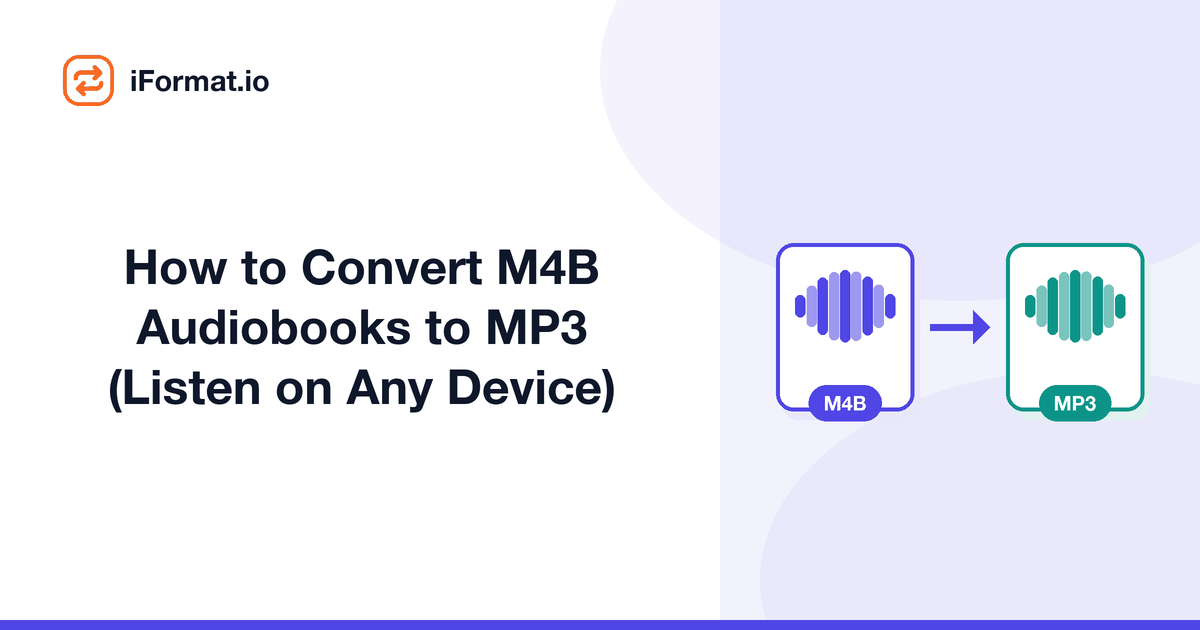
How to Convert M4B Audiobooks to MP3 (Listen on Any Device)
Your audiobook is an .m4b file. Your car stereo only takes MP3 over USB. Your kid's MP3 player doesn't know what M4B is. Your Android phone's default player skips right past it. You need MP3, and you need it without spending an afternoon figuring out obscure software.
This is the straightforward, practical guide. No theory about container formats (we cover that in our audiobook library migration guide), just the steps to get your audiobook playing on whatever device you actually own.
The quick method, online conversion
If you've got one or a few audiobooks to convert:
1. Open the iFormat audio converter in your browser.
2. Upload your .m4b file.
3. Select MP3 as the output format.
4. Choose your bitrate, 64 kbps for speech-only books, 128 kbps if the book has music or sound effects.
5. Download the MP3.
That's it. The MP3 plays on anything. Copy it to your car USB drive, transfer it to your phone, drag it onto your kid's player.
Desktop method, using VLC
VLC (VideoLAN's free media player) has a built-in converter that handles M4B to MP3. You probably already have it installed.
1. Open VLC.
2. Go to Media > Convert/Save (Windows) or File > Convert/Stream (Mac).
3. Add your .m4b file.
4. Click Convert/Save.
5. Under Profile, select "Audio - MP3."
6. Choose a destination file and click Start.
VLC decodes the AAC audio inside the M4B and re-encodes it as MP3. For a typical 8-hour audiobook, the conversion takes 2-5 minutes on a modern computer. VLC defaults to 128 kbps, which is more than adequate for spoken word.
Desktop method, using FFmpeg
FFmpeg is the Swiss army knife of audio/video processing. It's a command-line tool, so it's not for everyone, but it's fast and scriptable.
Install FFmpeg (available on Windows, Mac, and Linux), then run:
ffmpeg -i "My Audiobook.m4b" -codec:a libmp3lame -b:a 64k "My Audiobook.mp3"
Change -b:a 64k to -b:a 128k if you want higher bitrate. The conversion is extremely fast, FFmpeg can usually process an hour of audio in about 10-15 seconds.
To convert every M4B file in a folder on Mac/Linux:
for f in *.m4b; do ffmpeg -i "$f" -codec:a libmp3lame -b:a 64k "${f%.m4b}.mp3"; done
On Windows PowerShell:
Get-ChildItem *.m4b | ForEach-Object { ffmpeg -i $_.FullName -codec:a libmp3lame -b:a 64k ($_.BaseName + '.mp3') }
Desktop method, using iTunes or Apple Music
This feels ironic, using Apple's own software to escape Apple's format, but it works.
On a Mac (Music app) or Windows (iTunes):
1. Open Preferences (Music > Settings on newer macOS).
2. Go to Files > Import Settings.
3. Change "Import Using" to MP3 Encoder.
4. Set the quality (128 kbps is fine for audiobooks).
5. Select your audiobook in the library.
6. File > Convert > Create MP3 Version.
Apple creates a new MP3 file alongside the original M4B. The original is untouched. Right-click the new MP3 and choose "Show in Finder" (Mac) or "Show in Explorer" (Windows) to find the actual file.
Getting files onto specific devices
Android phone. Connect via USB or use a file transfer app (Android File Transfer on Mac, or just drag-and-drop on Windows). Put the MP3 in your Music or Audiobooks folder. If you want chapter navigation, install Smart AudioBook Player, it handles folder-based audiobooks beautifully.
Car USB. Format a USB stick as FAT32 (most car stereos require this). Copy the MP3 file to the root of the drive or into a folder named for the book. Plug it in, and the car stereo should find it immediately.
Garmin watch. Use Garmin Express to transfer MP3 files to the watch's music storage. It only accepts MP3, M4B isn't even an option.
Generic MP3 player. Connect via USB. The player shows up as a mass storage device. Drag the MP3 file in. Done.
Quality considerations
M4B to MP3 is a lossy-to-lossy transcode. In theory, you're degrading the audio. In practice, for spoken word, it doesn't matter.
Speech occupies a narrow frequency band (roughly 300 Hz to 3,400 Hz for intelligibility, with harmonics up to about 8 kHz). Both AAC and MP3 handle this range efficiently even at low bitrates. A 64 kbps AAC audiobook transcoded to 64 kbps MP3 sounds essentially the same to human ears, you'd need to run spectral analysis to find the differences, and even then they'd be in frequency ranges that don't affect speech clarity.
If you want absolute peace of mind, encode the MP3 at a higher bitrate than the original M4B. If the M4B was 64 kbps AAC, convert to 96 or 128 kbps MP3. The file will be slightly larger, but you'll have headroom for the transcoding.
Splitting into chapters
A single 12-hour MP3 file is unwieldy. If you accidentally hit the wrong button, you lose your place in a 43,200-second file. Splitting into chapters makes navigation much easier.
FFmpeg can extract chapters from M4B metadata and split accordingly:
ffmpeg -i book.m4b -f segment -segment_list_type csv -segment_times "$(ffprobe -v quiet -print_format csv -show_chapters book.m4b | cut -d',' -f5 | paste -sd,)" -codec:a libmp3lame -b:a 64k "chapter_%03d.mp3"
That's admittedly complex. If you're not a command-line person, mp3DirectCut (Windows) and Audiobook Binder (Mac) both have GUI-based chapter splitting that's more approachable.
Playback speed for audiobooks
Most audiobook listeners don't listen at 1x speed. The standard narrator pace is around 150-160 words per minute, and many people prefer 1.25x to 2x. Playback speed is handled by the player app, not the file format, so this works the same with MP3 as it did with M4B.
On Android, Smart AudioBook Player has fine-grained speed control from 0.5x to 4.0x in 0.05x increments. On iOS, BookPlayer and Bound offer similar controls. The built-in Music app on both platforms supports speed adjustment, but it's buried in the menus and limited to a few preset speeds.
If you're a heavy speed-listener (1.5x and above), encode your MP3 files at 128 kbps rather than 64 kbps. Speed-adjusted playback puts extra demands on the decoder, and higher bitrate files handle time-stretching artifacts more gracefully, less fluttering on sibilants, smoother pitch correction.
Troubleshooting common conversion issues
The converted file is silent or empty. Most likely the M4B uses DRM. Check by opening the file in VLC, if VLC can't play it either, the file is encrypted. DRM-free M4B files always play in VLC.
The file is much shorter than expected. Some M4B audiobooks are actually multiple M4B files (one per disc or part) combined with a playlist. Check your audiobook folder, if there are multiple .m4b files, you need to convert each one, not just the first.
Audio skips or stutters in the output. Try a different conversion tool. Occasionally a specific M4B file has quirks in its AAC stream that trip up one decoder but not another. FFmpeg usually copes best with problematic files.
Cover art is missing. MP3 supports embedded cover art via ID3 tags, but not all converters transfer it from the M4B source. Use Mp3tag (Windows) or Kid3 (Mac/Linux) to embed cover art manually, just drag an image onto the tag editor.
For a broader look at moving your entire audiobook collection off Apple's ecosystem, including organizational tips and player recommendations, see our audiobook library migration guide.
Frequently asked questions
Will the audiobook sound worse as MP3?
For spoken word, no, not perceptibly. The difference between AAC and MP3 at typical audiobook bitrates is negligible for speech content.
Can I convert M4B to MP3 on my phone?
Yes. Open the iFormat audio converter in your phone's browser, upload the M4B, and download the MP3. Works on both iOS and Android without installing an app.
What if my M4B file is DRM-protected?
DRM-encrypted M4B files (common with older iTunes purchases and Audible) can't be directly converted. The audio data is encrypted and converters can't access it. This guide covers DRM-free M4B files.
Should I use mono or stereo for audiobooks?
Mono. Most audiobooks are narrated in mono anyway, and even if the M4B is stereo, converting to mono MP3 cuts the file size in half with zero perceptible difference for a single narrator's voice.
How do I keep my place in a long MP3 audiobook?
Use an audiobook-aware player. Smart AudioBook Player (Android) and BookPlayer (iOS) both remember your position in MP3 files automatically, just like Apple Books does for M4B. Regular music players usually don't remember position.