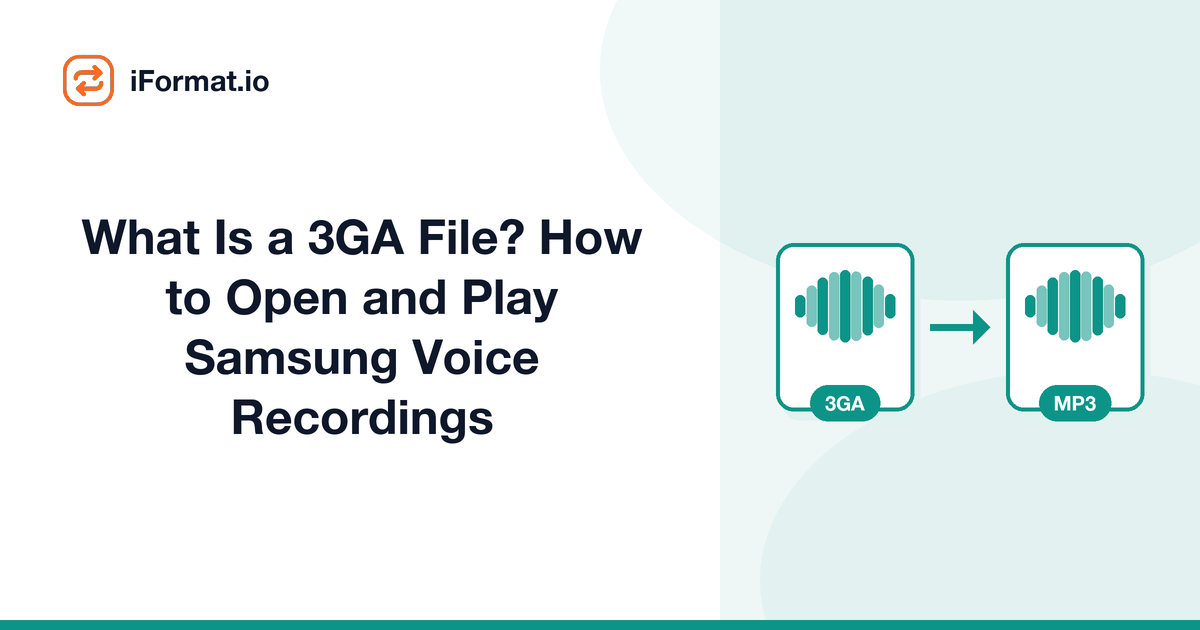
What Is a 3GA File? How to Open and Play Samsung Voice Recordings
You recorded a lecture, a meeting, or a voice memo on your Samsung Galaxy phone. You transfer the file to your computer to listen back, and Windows says it doesn't know what a .3ga file is. You try renaming it to .mp3, garbled noise. You try .m4a, nothing. The file clearly has audio in it because it played fine on your Samsung, but your computer acts like you handed it an alien artifact.
The file isn't corrupted. It's just in a format that Samsung uses but almost nobody else does.
What a .3ga file actually is
3GA is Samsung's audio-only variant of the 3GP format. 3GP (3rd Generation Partnership Project) was originally designed as a multimedia container for 3G mobile networks, it's essentially a stripped-down version of the MPEG-4 container, optimized for low bandwidth and mobile devices.
A standard .3gp file can contain both video and audio. Samsung's .3ga extension signals that the file contains only audio, no video track. The audio codec inside is typically AMR-NB (Adaptive Multi-Rate Narrowband) at 8 kHz sample rate for basic voice recordings, or AAC-LC at higher quality settings when the Samsung Voice Recorder app is set to "High" quality mode.
AMR-NB was designed for cellular voice calls, it's very efficient at compressing speech but terrible at anything else. The 8 kHz sample rate means frequencies above 4 kHz are simply absent, giving recordings a distinctly "telephone" quality. It's perfectly intelligible for a lecture or meeting recording, but it sounds muffled compared to a modern AAC or MP3 recording.
Where Samsung stores these files
Samsung's Voice Recorder app saves files to Internal Storage/Recordings/Voice Recorder/ on most Galaxy devices. Older models might use sdcard/Sounds/ or sdcard/Voice Recorder/. The files are named with a timestamp format like Voice 001.3ga or 2024-03-15 14-30-22.3ga depending on the Samsung firmware version.
Why your computer won't play it
Windows doesn't include a 3GA/3GP codec by default. Neither does macOS in most configurations. The file associations simply aren't there, your OS doesn't know that a .3ga file contains audio, so it doesn't try to open it with a media player.
Even if you associate .3ga with a player, some players choke on the AMR-NB codec. Windows Media Player, for example, can handle 3GP video but sometimes fails on audio-only 3GA files. The built-in Music app on Windows 10/11 won't touch it either.
The fix is either to use a player that handles the format or to convert the file to something universal. Both approaches take about 30 seconds.
Playing 3GA files without converting
If you just need to listen to the recording and don't care about the format:
VLC Media Player (Windows, Mac, Linux, Android, iOS) plays .3ga files out of the box. Just drag the file onto VLC, or right-click the file and choose Open With > VLC. No plugins needed, no configuration, VLC ships with AMR and AAC decoders built in.
foobar2000 (Windows) handles 3GA files if you install the FFmpeg decoder component. It's a tiny add-on.
On your Samsung phone, the Voice Recorder app plays them natively. If you've moved the file to a different app or folder, Samsung's Music app and most third-party Android players (Poweramp, BlackPlayer, Musicolet) will also play .3ga files.
Google Chrome can actually play some 3GA files if you drag them into a browser tab. Chrome includes a built-in media player that supports many MPEG-4 container variants.
Converting 3GA to MP3 or M4A
If you need the recording in a format that works everywhere, for sharing, archiving, or editing, convert it to MP3 or M4A.
Online: Upload the .3ga file to the iFormat audio converter, select MP3, and download. The whole process takes a few seconds for a typical voice recording.
With FFmpeg: ffmpeg -i recording.3ga recording.mp3that's the entire command. FFmpeg auto-detects the input codec (AMR-NB or AAC) and transcodes to MP3. For batch conversion: for f in *.3ga; do ffmpeg -i "$f" "${f%.3ga}.mp3"; done
With VLC: Open VLC, go to Media > Convert/Save, add the file, select Audio - MP3 as the profile, and convert. It's slower than FFmpeg but doesn't require the command line.
Quality expectations
If the original .3ga recording uses AMR-NB (the default for Samsung's "Normal" quality setting), the audio is limited to 8 kHz sample rate and roughly 12.2 kbps at its best quality mode. Converting this to a 320 kbps MP3 won't make it sound better, you can't add frequency content that was never captured. The MP3 will simply be a larger file containing the same narrow-band audio.
For AMR-NB recordings, 64 kbps MP3 is more than sufficient. The source audio doesn't have the detail to justify a higher bitrate.
If the recording was made in Samsung Voice Recorder's "High" quality mode, the 3GA file contains AAC audio at a decent sample rate (usually 44.1 kHz). In this case, converting to 128-192 kbps MP3 makes sense, and the output will sound noticeably cleaner than AMR-NB recordings.
To check which codec your file uses, open it in VLC and check Media Information (Window > Media Information on Mac, or Tools > Codec Information on Windows). It'll tell you whether the codec is AMR or AAC.
Samsung Voice Recorder settings, prevent the problem
If you're still using a Samsung phone and making recordings you'll want to use elsewhere, change the default recording format in the Voice Recorder app:
Open Voice Recorder > tap the three dots (or gear icon) > Settings > Recording quality. On newer Samsung devices, you'll see options like:
- Standardrecords in AMR-NB (.3ga). Small files, phone-call quality.
- Highrecords in AAC (.m4a). Larger files, much better quality.
- Some models offer WAVuncompressed, largest files, best quality.
Switch to High or WAV, and your recordings will save in formats that any computer can open without conversion. The files will be larger, but internal storage on modern phones is big enough that it shouldn't matter for voice recordings.
Note: on some Samsung models and One UI versions, the setting might be "Recording file type" rather than "Recording quality," and the format options might include M4A explicitly. Samsung rearranges these menus with every major One UI update, so poke around in the settings if you don't see it immediately.
Other Android voice recording formats
Samsung isn't the only manufacturer with format quirks. Other Android phones produce different file types from their voice recorder apps:
Google Pixel phones save recordings as .m4a files (AAC in an MPEG-4 container). These play on pretty much everything, no conversion needed.
Xiaomi/Redmi phones often save as .mp3 directly. Universal playback, no hassle.
Older LG phones sometimes used .amr files: the raw AMR format without any container. These have similar compatibility issues to 3GA and benefit from conversion to MP3.
OnePlus varies by model, some save AAC in .m4a, others save WAV. Both are widely compatible.
If you're switching from Samsung to another phone, convert your 3GA library before the switch. Once the files are MP3, they'll work on whatever you move to. If you've got recordings from multiple phone brands in a mix of formats, the audio converter handles all of them, 3GA, AMR, M4A, OGG, whatever your phone produced.
Recovering old Samsung recordings
If you've got a folder full of old .3ga recordings from a previous Samsung phone, batch-convert them all at once. Copy the entire folder to your computer, then:
With FFmpeg: for f in *.3ga; do ffmpeg -i "$f" -b:a 64k "${f%.3ga}.mp3"; done
Or upload them in batches to the audio converter.
After conversion, you might want to rename the files to something meaningful. Samsung's default naming ("Voice 001.3ga") isn't helpful once you've accumulated dozens of recordings. Listen to the first few seconds of each one and rename based on the content, your future self will thank you.
If you're also dealing with audio extracted from video files, say, voice memos that were accidentally recorded as video, our MP4 to MP3 converter can pull the audio track out. And if you've got lossless audio files that won't play on some devices, our guide to fixing lossless playback issues covers that scenario too.
Frequently asked questions
Is 3GA the same as 3GP?
Almost. 3GP is the multimedia container (audio + video) defined by the 3rd Generation Partnership Project. 3GA is an audio-only variant, same container format, but the file extension tells software there's no video track inside. Some tools treat them interchangeably.
Can I just rename .3ga to .mp3?
No. Renaming a file doesn't change its contents, it just changes the label. The data inside is still AMR or AAC in a 3GP container, which an MP3 decoder can't read. You need actual transcoding, not a rename.
Do all Samsung phones use 3GA?
Most Samsung Galaxy devices default to 3GA for voice recordings made with the built-in Voice Recorder app. Some newer models (Galaxy S23 and later) default to M4A in certain regions. Third-party recording apps on Samsung phones typically save in MP3, M4A, or WAV regardless of the device.
Can I play 3GA files on an iPhone?
Not directly through the Files app or Apple Music. VLC for iOS plays them. Converting to MP3 or M4A before transferring is the simpler path.
Why does Samsung use such an obscure format?
3GP/3GA was an industry standard for mobile multimedia when Samsung adopted it, it was efficient for the storage and processing constraints of early smartphones. Samsung stuck with it for backward compatibility long after other manufacturers moved to more universal formats. It's a legacy decision that persists mostly through inertia.